hexelRequest a quote

custom web applications

Have a web application built around how your business works.

Your staff open the web app in the browser, at the office or on their phone at a customer's. We build it around your planning or your files and connect it to your ERP or CRM. Each phase has a fixed price.

What a web application does for a small business

A web application is software that runs in the browser. Nobody has to install anything. Your staff log in and work with the same data on a laptop or a phone. Some examples:

  1. 01

    Planning

    The planning board is online. Every technician sees their own day on their phone, and a change shows up for everyone at once.

  2. 02

    Quotes

    You build a quote from your own prices and product list. Once the customer approves it, it becomes an order and an invoice without retyping.

  3. 03

    Customer portal

    Your customers log in and follow their own order or file. They upload documents there instead of mailing them.

  4. 04

    Stock

    Stock adjusts with every delivery and every sale. You see in time what to reorder.

  5. 05

    Files

    Notes and photos for one customer or one site sit together in one file. You see at a glance where it stands.

  6. 06

    Bookings and appointments

    Customers book a slot themselves. The calendar knows your opening hours and takes into account what is already fixed.

  7. 07

    Internal dashboard

    One screen with the figures you look up every week: open quotes, waiting orders, unpaid invoices and this month's revenue.

Web app, desktop program or mobile app?

We build all of them. The right form depends on where your staff work and what the software has to drive.

A web app fits when

  • your staff work in different places: at the office, at home, on the road or at a customer's
  • your customers or suppliers also need to log in
  • you do not want to install or update anything on every computer
  • several people work with the same data at the same time

A program or app fits better when

  • the software has to keep working when the internet drops, like a till at the counter
  • a printer or scanner is plugged straight into the computer
  • your staff mostly work on the move and need the camera or push notifications
  • your app has to be in the App Store or on Google Play

Not sure? In the first conversation we tell you which form fits. For desktop software and apps, see custom software.

integrations

Works with what you already have

You don't replace an ERP or CRM on a whim. We build next to it and on top of it: your software talks to the package through its API, the data stays in one place and nobody retypes anything. Your package not listed? If it has an API or an export, we connect it.

  • Odoo
  • Salesforce
  • HubSpot
  • Microsoft Dynamics 365
  • SAP Business One
  • Exact Online
  • Teamleader
  • Zoho
  • Pipedrive
  • Yuki
  • Octopus
  • Billit
  • Lightspeed
  • Shopify
  • WooCommerce
  • Microsoft 365
  • Google Workspace

custom too: your own ERP or CRM when no package fits

How we build a web application

We start with a small version you use straight away and extend it phase by phase. You know up front what each phase costs.

01 · conversation

Introduction

Half an hour on Google Meet. You tell us which work takes the most time now and how it runs today.

02 · within 1 working day

Proposal

You get a proposal with a fixed price per phase and a date. If an existing package fits better, it says so.

03 · phase 1

First working version

It is usually ready within two months. Your staff already use it in the browser. What they point out, we adjust while it still costs little.

04 · after that

Extend and maintain

Every next phase adds a piece. After each phase you decide whether to continue. Hosting and backups stay with us, and so do the updates.

What a custom web application costs

That depends on what goes into it, so we do not name an amount without a conversation. After the first conversation you get a proposal with a fixed price per phase within 1 working day. You pay no hourly rate and no licence per user. After delivery you pay a monthly amount for hosting and maintenance.

Web apps we built

platform — ikwil.website

ikwil.website × hexel

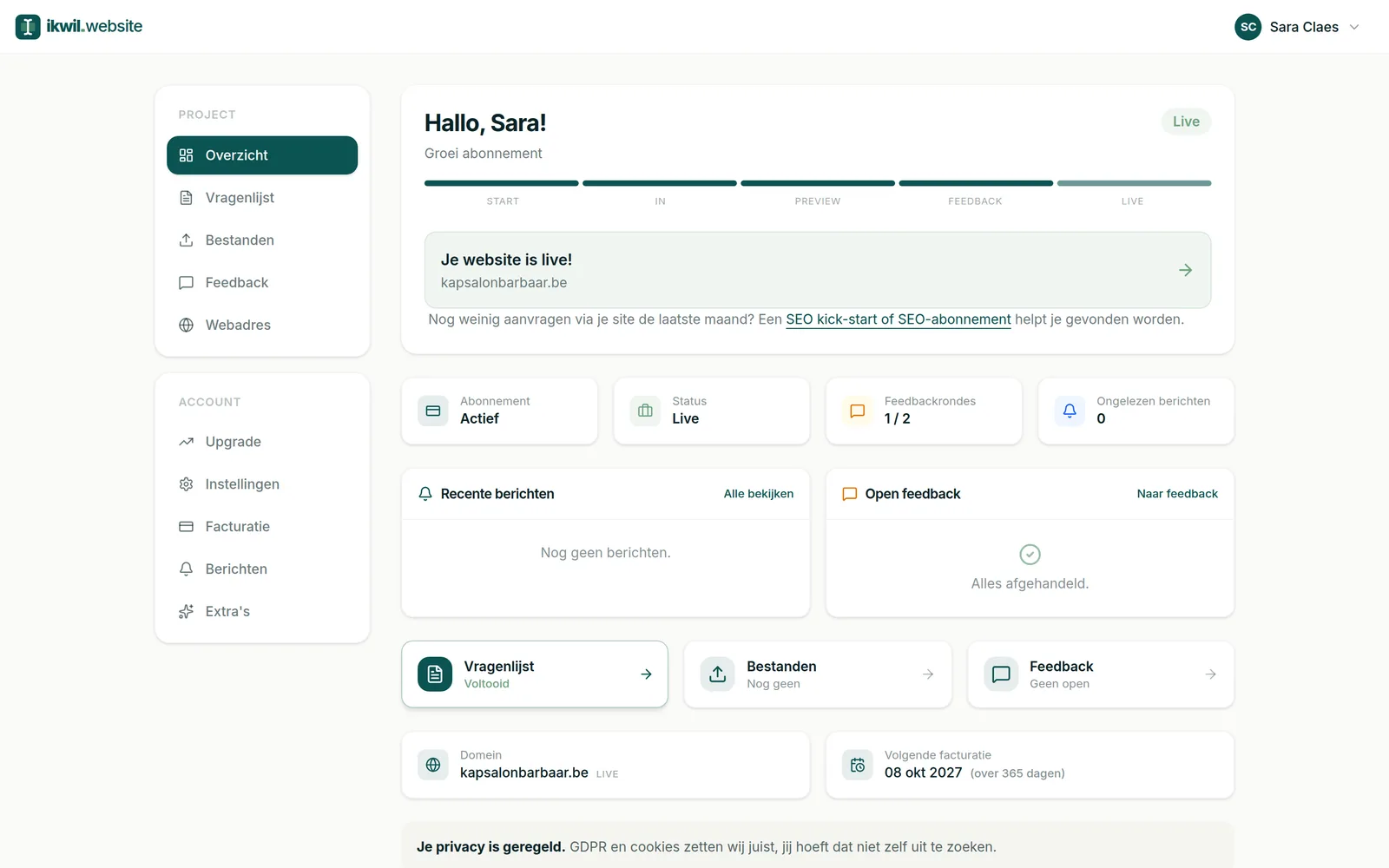
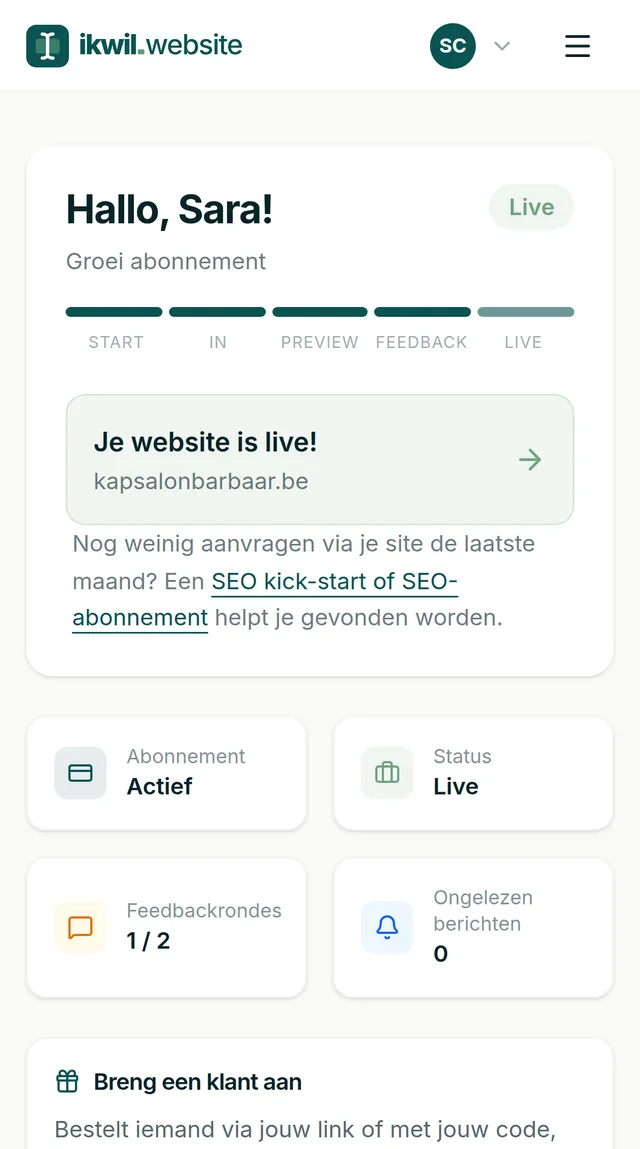
Our own platform for website packages. The customer picks a package, fills in the intake, uploads their material and follows their site until it goes live. What used to be a long mail thread is now one track that follows itself up.
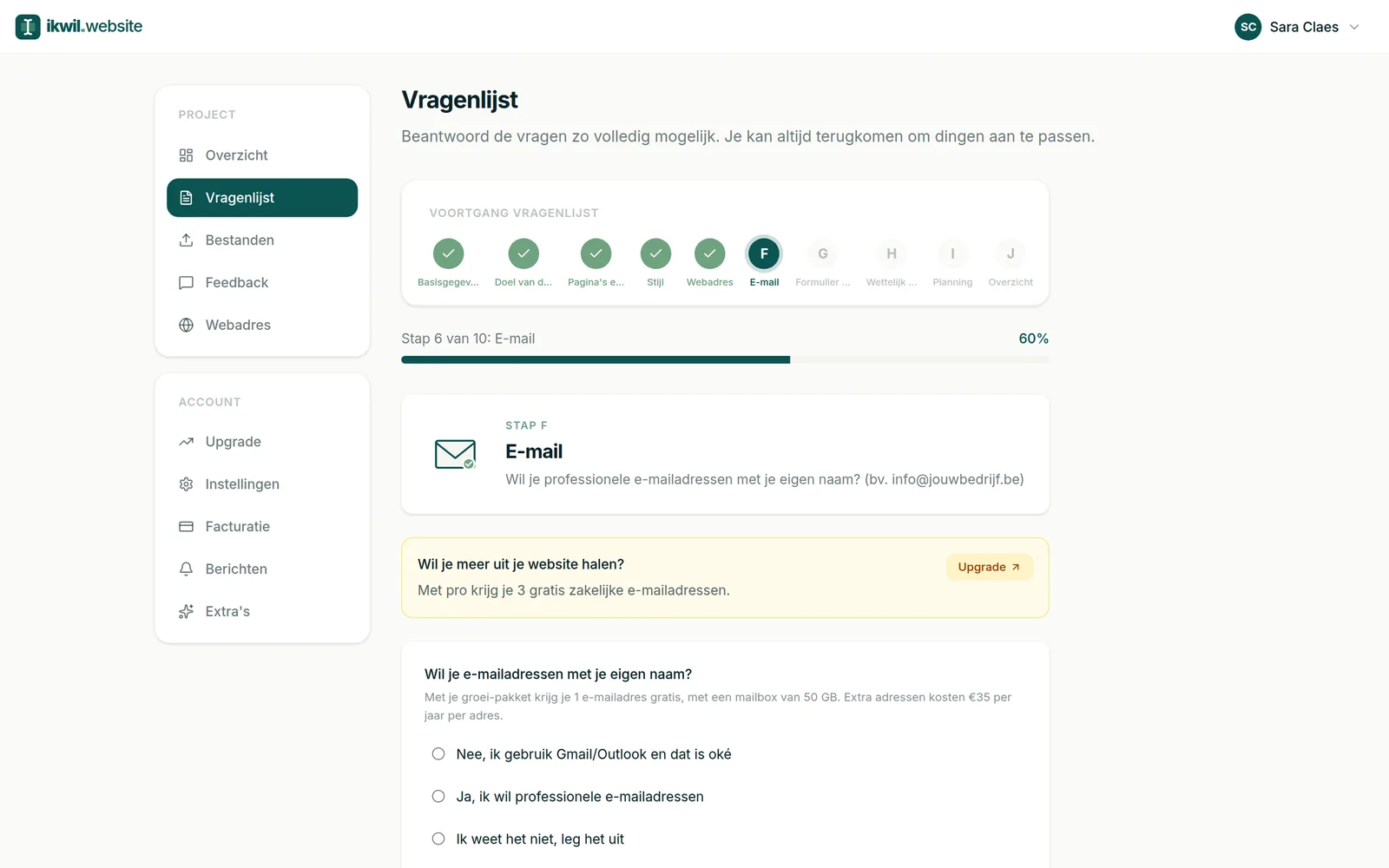
ikwil.website

own product

SiftPal

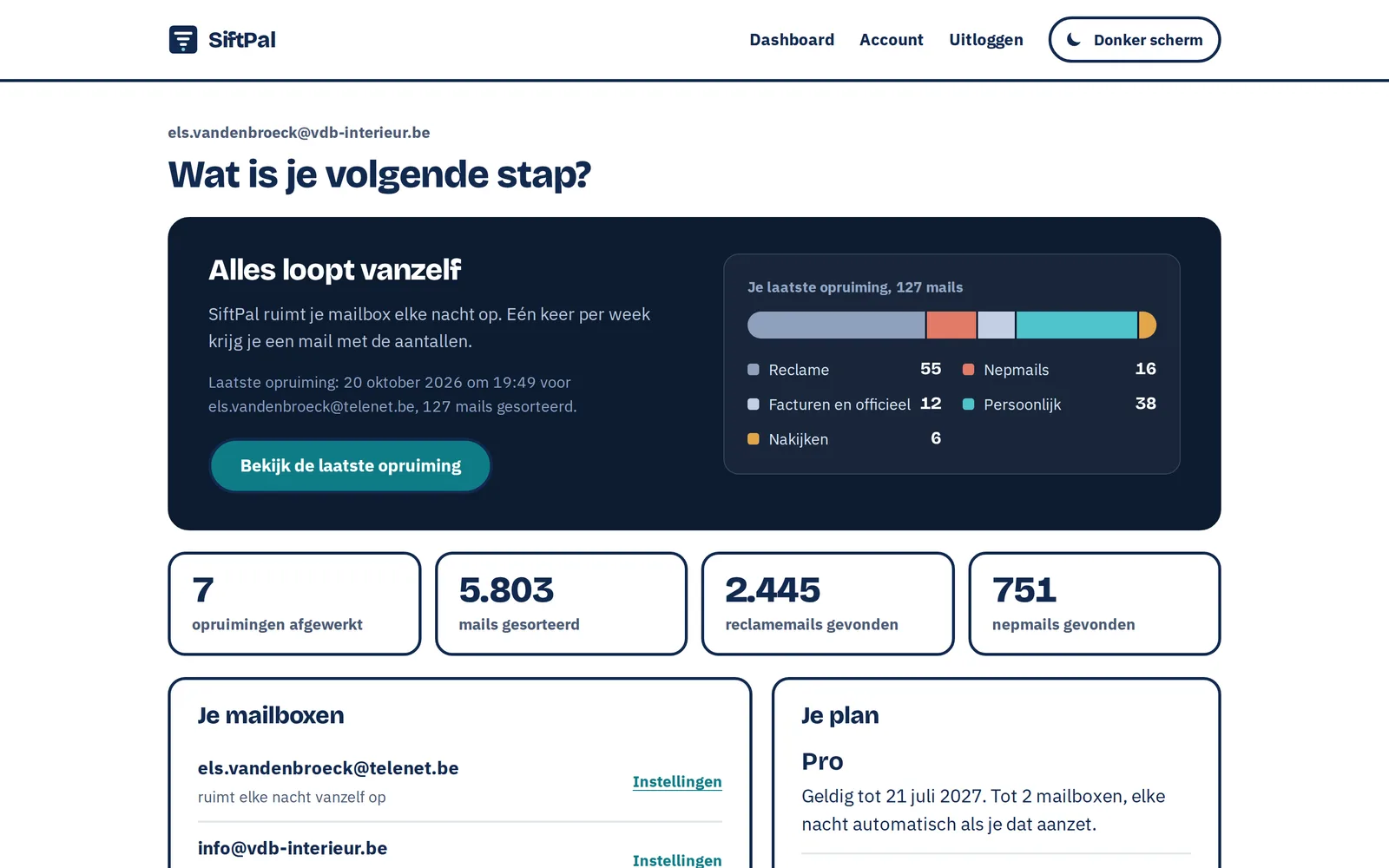
hexel's own product. SiftPal sorts ads and fake mails out of your mailbox and puts them in a folder, so you can review everything and put it back. With Pro that happens every night.

siftpal.beOne-time from 9.95 euro

own product

Ruvi

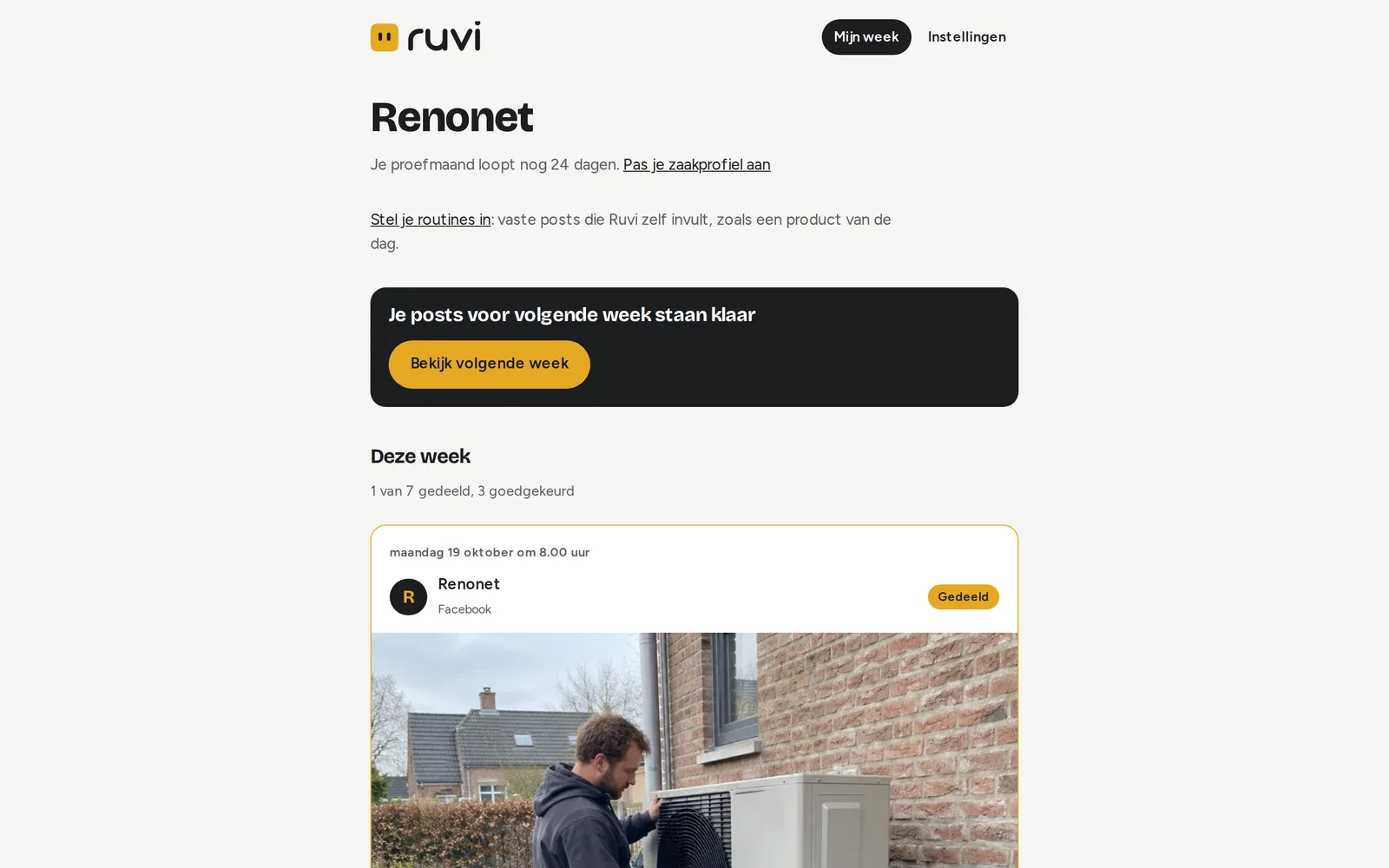
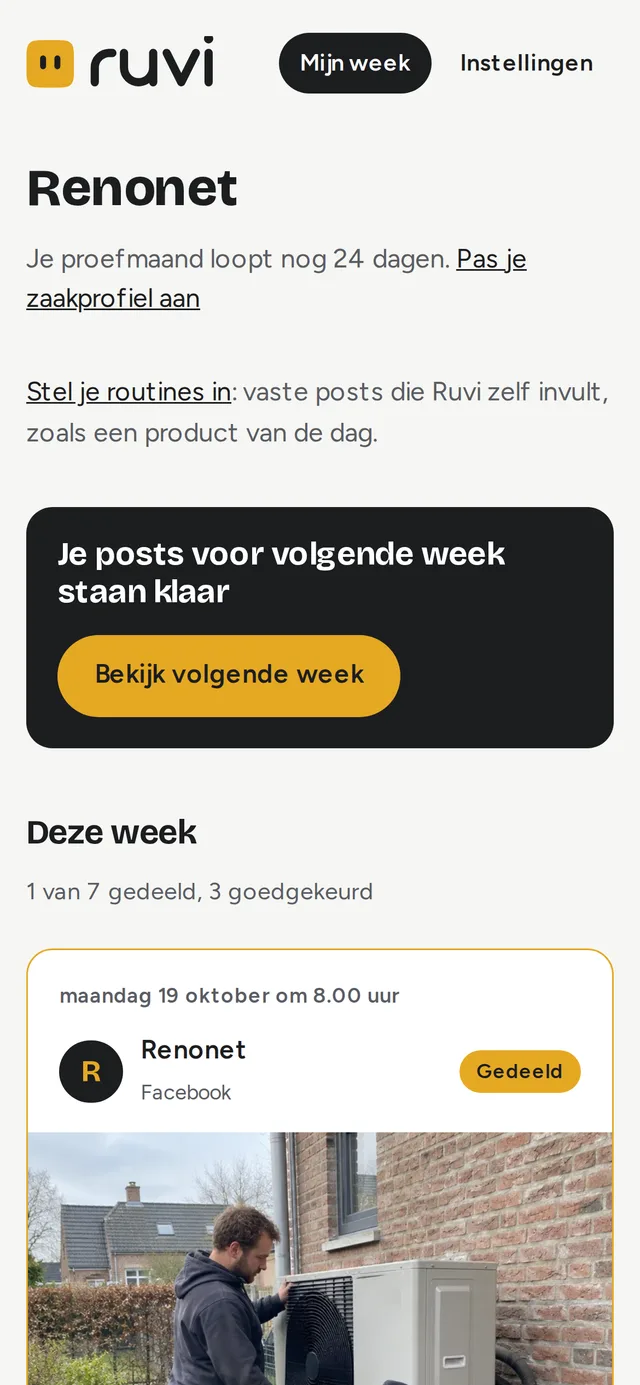
hexel's own product, for businesses with no time for social media. Ruvi writes the posts for the week. You read them and approve what may go out.

Coming soon

Questions we often get

What is the difference between a website and a web application?

A website shows information to visitors. In a web application you work: you log in and use data your colleagues see too. Both run in the browser. A web app often sits behind an ordinary website.

What does it cost to have a web application built?

We work in phases with a fixed price per phase. You get that price within 1 working day after the first conversation and you can stop after any phase. After that you pay a monthly amount for hosting and maintenance. That amount depends on how large the web app is and how many people use it.

How long does it take?

The first working version is usually ready within two months. After that each phase adds a piece, at the pace your staff can handle.

Does a web application work on phones and tablets?

Yes, it runs in the browser and so works on any device with internet. We design the screens for the phone and for the laptop. If it also has to work offline, we look together at whether an app fits better.

Does the web app connect to my ERP or CRM?

Usually it can: if there is an API or an export, we connect it. We check per program what the connection can handle and tell you up front if something will not work.

Who takes care of hosting and updates?

We do. Hosting and backups stay with us, and so do the updates. For software that keeps your business running, we agree up front how fast we respond.

Who owns the web application afterwards?

Your data is yours and you can always export it. On the software you get a usage right without an end date once it is paid, even when hosting or maintenance moves elsewhere later. The details are in the terms.

Which work would you move into a web app first?

Book a half-hour conversation. Within 1 working day you get a proposal with a fixed price for the first phase.